<aside> 🔗
Lost? Links to ATG websites below:
📚 Documentation (Home) • 🌐 Website • 🚀 Web App • ⚙️ Admin Console
</aside>
<aside> ℹ️
Looking for connector capabilities? This page provides step-by-step configuration instructions. For an overview of the Slack connector and its features, visit the Slack Connector page.
</aside>
In order to connect ATG to Slack, you will need to get a token from Slack.
To get started, you'll need to create a Slack app. Your app will be a container for your credentials; you can't get a token without one.
You can follow the Slack quickstart guide on how to create an app:
Below step-by-step instructions to create, install and setup your ATG connection to Slack:
2. Defining the scopes of your app
3. Installing and authorizing the app
Slack API: Applications | Slack
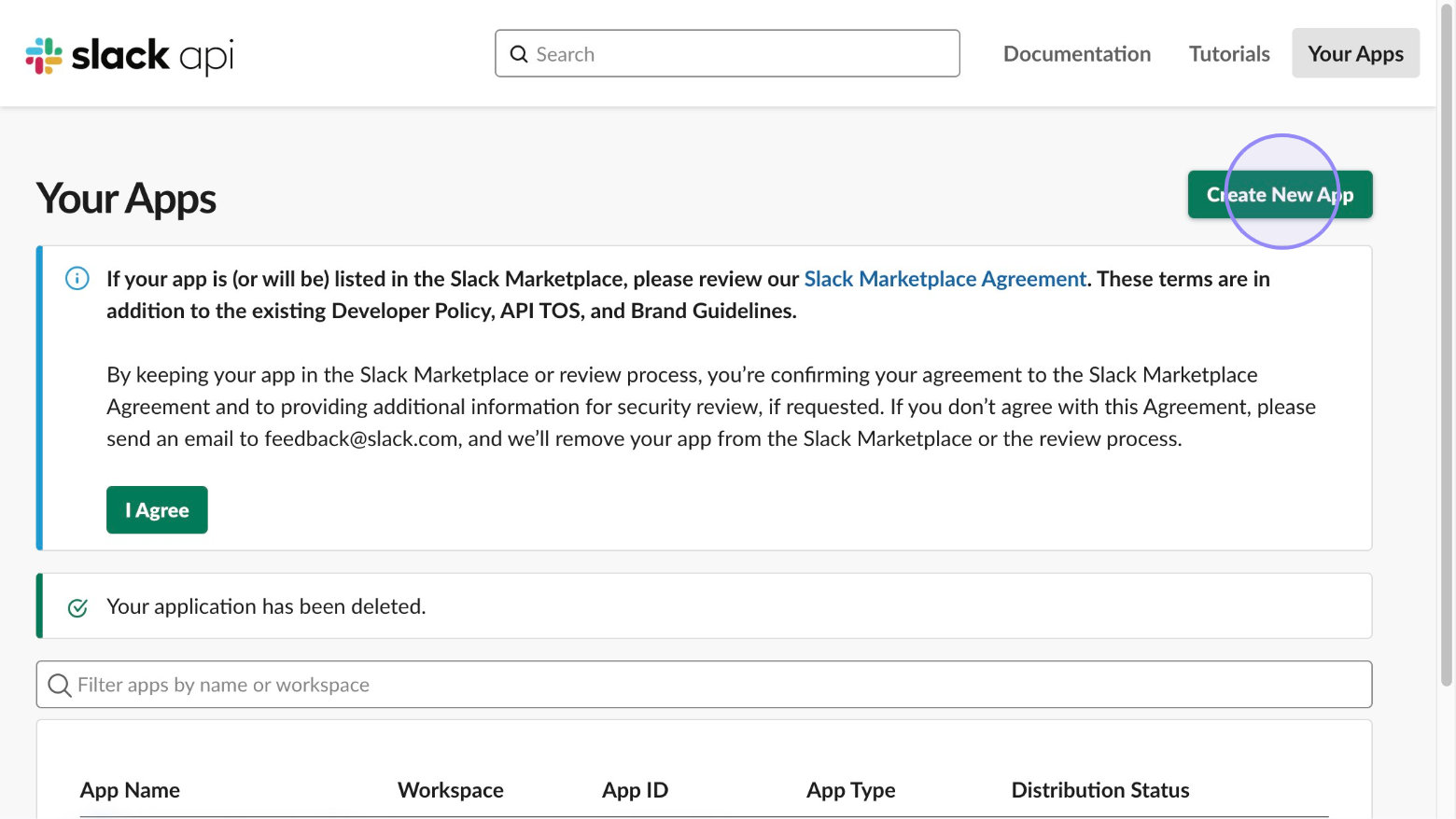
Click the ‘Create New App’ button.